Door codes and ID checks
The code goes out when the money is real and the guest is who they said.
Self check-in is the moment an operation is most exposed: a number in a message opens a door. Stay n Host puts two conditions in front of that number, checks them again at the instant of sending, and writes down every decision either way.
The gate
Two conditions, evaluated late.
Payment verified
A person on your team looked at the proof and verified it. Not "the guest says they sent it".
ID verified
A document was uploaded, reviewed by a human, and marked good. Rejections block, they do not warn.
Checked at send time
Both conditions are read again at the second the message goes. A refund this morning stops tonight's code.
Refusals are held, not lost
A blocked send records its reason, appears on Today, and re-evaluates every tick until it can go.
The one automated path
An agent may send the code. It may not weaken the gate.
Write a rule that says "send the door code 30 minutes before check-in" and the agent will do exactly that, on your WhatsApp number or by email, for every stay that clears both conditions. That rule is the only autonomous path that exists. Without it, nothing sends itself and the hand-off stays with a person.
The rule cannot be authored to bypass payment or ID, because the gate is not part of the rule. It sits underneath every send, automated or manual, and no rule language can reach it. Every send writes an audit row naming the rule that authorized it.
See what agents can and cannot do →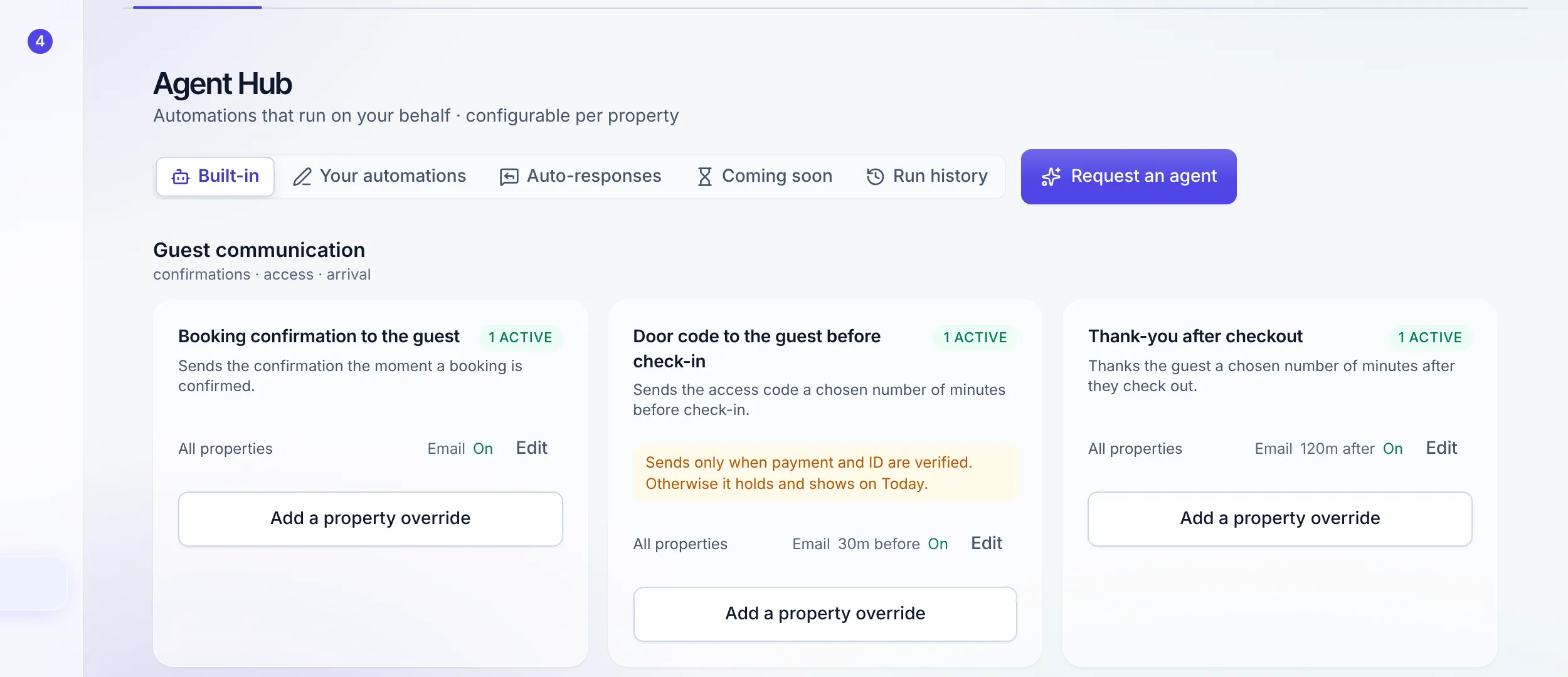
Around the code
The rest of self check-in.
TTLock and Nuki, connected
Each stay's code is created on the lock for exactly the nights of the stay, follows the booking when its dates change, and is removed when the stay ends. The guest still sees it only after the gate passes.
Connect a smart lock →ID as sensitive data
Identity documents are handled at a stricter class than the rest of the record: tighter access, signed short-lived links, and an audit row on every view. They are not just another attachment on a booking.
How data is protected →Static codes per listing
Where a building uses one code for the street door and another for the flat, hold both on the listing and let the guest app show them alongside the per-stay code.
The guest sees it in the app
Codes, arrival instructions, Wi-Fi, and the door itself live in the guest app, so a guest who lost the message is not phoning you at midnight.
Inside the guest app →Every release is recorded
Who released it, to which guest, on which stay, at what time, and whether it was a person or a named rule. A code relayed by hand carries a chain of custody naming each person who held it, and resending an automation never re-sends a door code.
Access, per unit, on one page
The Access page lists every unit's Wi-Fi, how to get in and how to arrive, counts what is missing, and rotates Wi-Fi passwords in bulk, so a gap is found before a guest finds it.
"A door code is money-adjacent. It gets treated like money."
Honest limit, October 2026: TTLock and Nuki are the two lock brands integrated today. Codes for any other lock are held or set by you and delivered by Stay n Host rather than programmed into the lock.
FAQ
Access and identity questions
What exactly is the dual gate?
A door code is released only when two conditions both hold: the payment for the stay is verified, and the guest’s ID has passed a check. Neither alone is enough. The pair is evaluated at the moment of sending, not at the moment somebody set the rule up, so a refund or a rejected ID between configuration and check-in still stops the code.
Can an automation send the code by itself?
Only if you wrote a rule that says so, and only through the dual gate. A rule of the kind "send the door code 30 minutes before check-in" is the single automated path that exists. With no such rule, no code is ever sent automatically and the hand-off stays with a person. The rule cannot be written to skip the gate.
What happens when the gate refuses?
The send is recorded as held, with the reason: payment not verified, ID not verified, or both. It appears on the Today dashboard for a human to see, and the gate re-evaluates on every tick. Clearing the blocker sends the code with no further step, because the hold was never a queue that needed draining by hand.
Who can release a code by hand?
One seat: the point of contact. The same seat holds the permission that lets an automation rule execute a send, so revoking the seat revokes both paths at once. Custom roles can never be granted it, by construction.
Which locks are supported?
TTLock and Nuki connect directly. Link your account, map each lock to its listing (plus a shared front door if the building has one), and every stay gets its own code on the lock, valid from check-in to check-out, moved when the stay moves, and removed on cancellation, no-show or checkout. It is included on every plan. Any other lock keeps working the way it does today: static codes held per listing, or per-stay codes you set, delivered by Stay n Host.
What does the ID check actually do?
The guest uploads a document through a link, it is stored as sensitive data with a stricter handling class than the rest of the record, and a member of staff reviews and marks it verified or rejected. It is a human decision with an audit row, not an automated match.
Try the whole platform free for 14 days
Full Growth-plan access. No credit card. Your data stays yours.
Start free trial