Direct booking + the guest app
Your own site, your own guests, your own margin.
Not a template with a contact form. A booking website with live availability search, a map, amenity filters, city hubs and curated collections, published from inside the product and selling the same calendar your operation runs on.
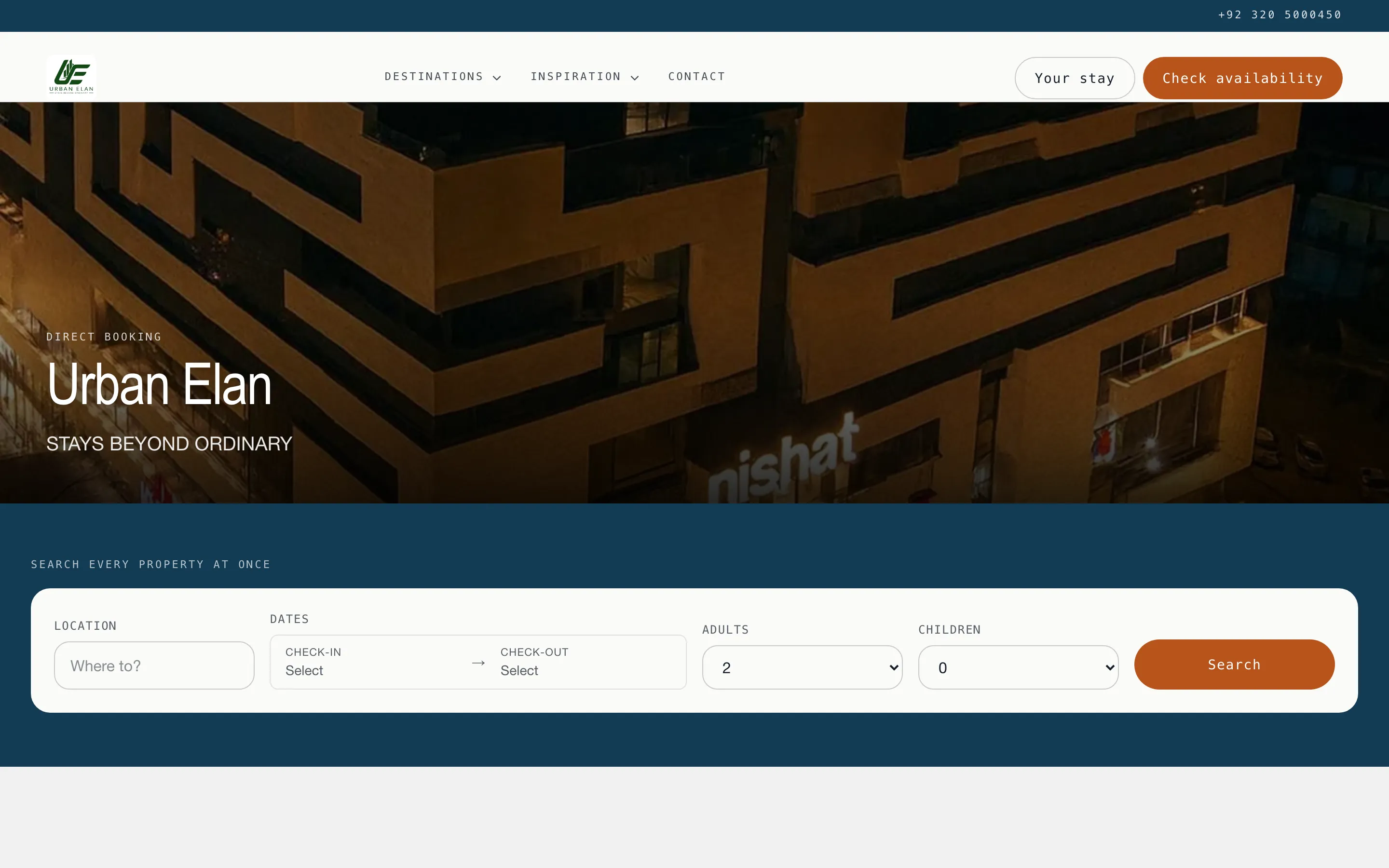
Search, not a brochure
The guest searches your whole portfolio at once, and the answer is true.
Dates, guests and a destination go against the same calendar your team works in. There is no nightly sync to fall behind and no cached availability to be wrong: the night-level oversell guard lives in the database, so a sold night cannot be offered.
Results sit in one grid beside a pinned map with a price pin per property, each tile with its own photo strip. A filter rail narrows by the amenities your units really carry, results sort by price, and nearby dates are offered when the exact ones are gone.
How search and the map work →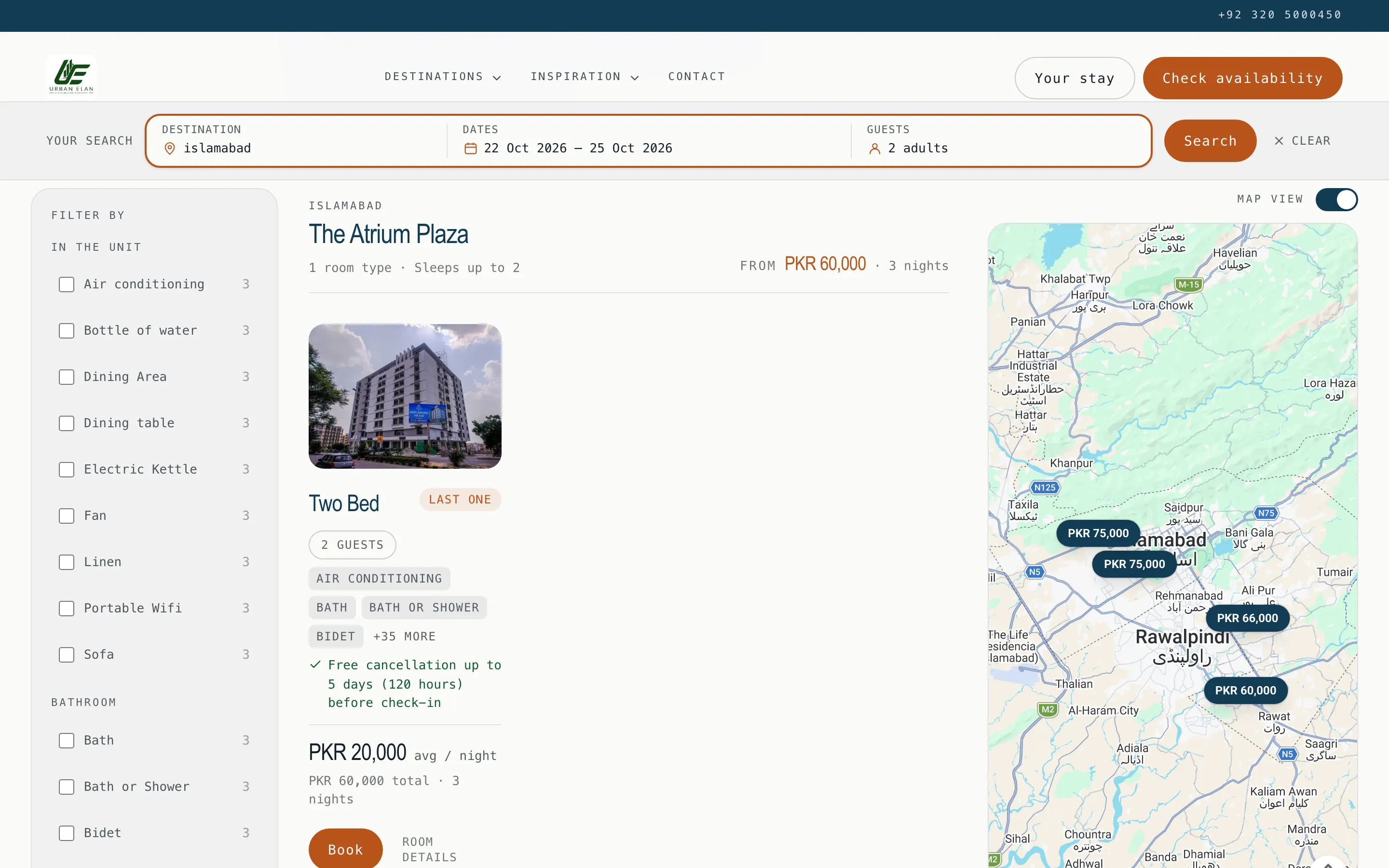
Rooms that sell themselves
Your photos, your words, your price for these dates.
Every room carries its own gallery, its own description in your words, and the price for the dates the guest already typed, not a "from" figure they have to re-derive. Photos are organised into the categories you define and served resized from the CDN, so a 5 MB upload never becomes a 5 MB page.
Promo codes apply on the quotation with the saving shown, optional extras are chosen by the guest, and your configured fees and taxes are what gets charged.
How the money lands →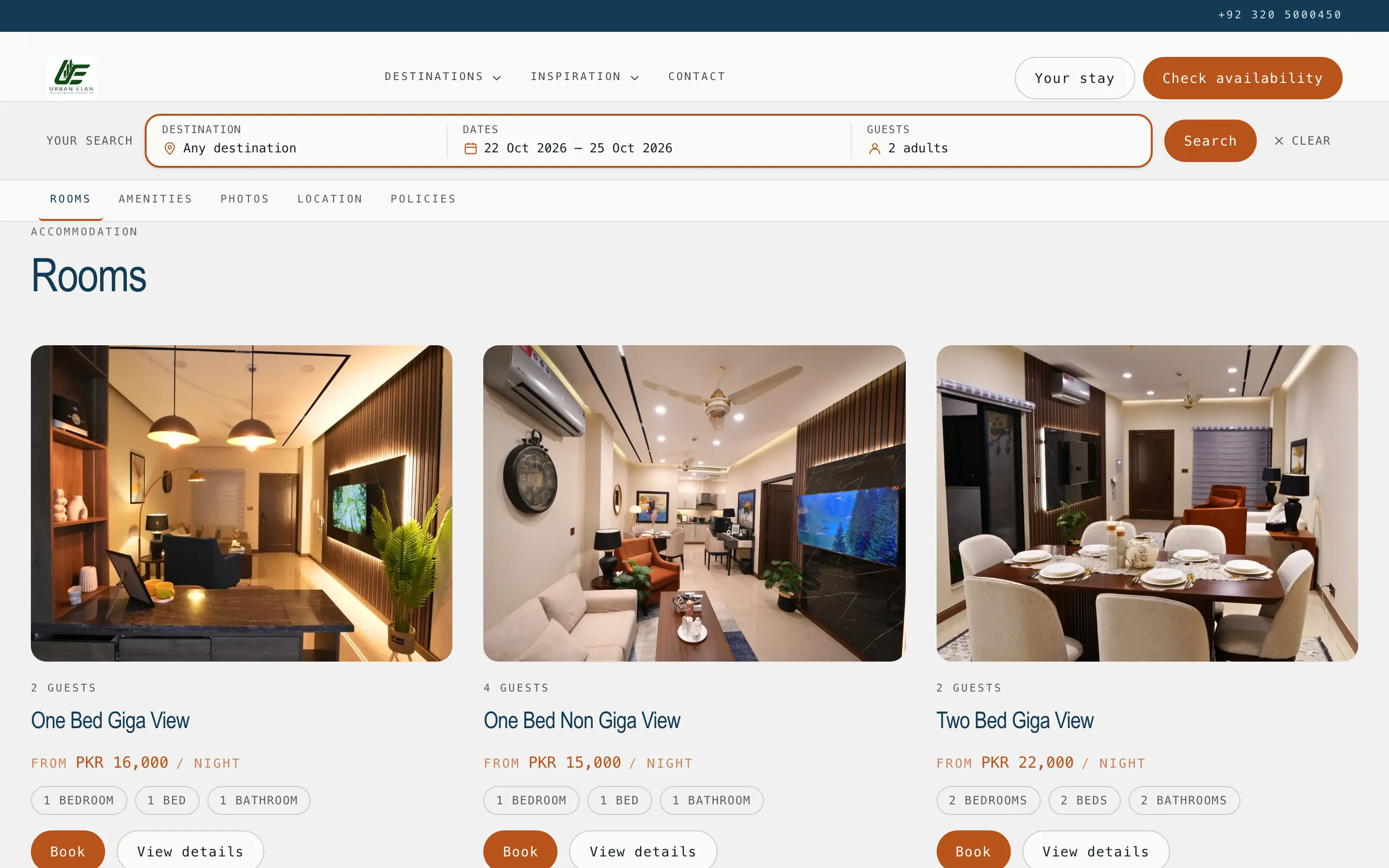
What the site actually does
12 things a template builder cannot do.
All of it reachable in the product today. What is missing is on thepublic roadmap, in the same detail.
Search that answers with live availability
Dates, guests and destination against the same calendar the operation runs on. A sold night is never offered, because the oversell guard is the database, not a nightly sync.
A map with a price on every pin
Results and map side by side. A pin opens the property card with its photos; the price on it is the price for the guest’s own dates.
Filters, sorting, and alternative dates
Filter by the amenities the units actually carry, sort by price, and get offered nearby dates when the exact ones are gone rather than an empty page.
Flexible dates for guests without any
"I am flexible" takes a length and a month and answers with when the portfolio is free. Most direct enquiries start here, not with a date.
City hubs, area hubs and collections
Every city and area gets its own indexed landing page, and you curate collections by hand for the things a filter cannot express.
Your words, your photos, your brand
Five layout templates and palette presets, your own copy on every room and property, categorised galleries, and block-built pages for area guides and house rules.
Promo codes and paid extras
A code the guest types and sees applied on the quotation, and optional extras a guest adds for themselves. Both land on the booking priced, not as a note.
Your fees and taxes, charged correctly
The fee schedule and guest taxes you configured are what the site charges, on the site and on the PDF quotation. A guest can switch the display currency to read an indicative price in theirs; the charge stays in yours.
Eleven languages, your words in each
English, Arabic, Urdu, Chinese (Simplified), French, German, Spanish, Italian, Turkish, Russian and Portuguese, each with its own URL. Your own copy is machine-translated and editable per language on the Translations tab.
A Metrics tab, and your pixels with consent
See what the site actually did on its own tab: requests through quote, payment and booking, beside the previous period. Add your own Google Analytics, Google Tag Manager or Meta Pixel, and they load only after the guest accepts the consent banner.
A quote that does not go cold
A guest who requested a stay and has not paid gets one reminder before the hold on the dates runs out.
An embeddable widget, and Google
Keep the brand site you already have and embed the availability widget in it. Properties publish to the Google Vacation Rentals feed, and Google Vacation Rentals also connects as a channel through the channel manager.
Pages that earn their traffic
Every city and area gets an indexed page of its own.
A city hub, an area hub, and hand-curated collections for the things a filter cannot express. Each is a real page with its own title and description, crawlable by search engines and AI assistants, and each carries the guest's dates onward so a click never costs them their search.
Each page is served in all eleven site languages. Properties also publish to the Google Vacation Rentals feed, and if you would rather keep the brand site you already have, the availability widget embeds into it.
Pages, hubs and collections →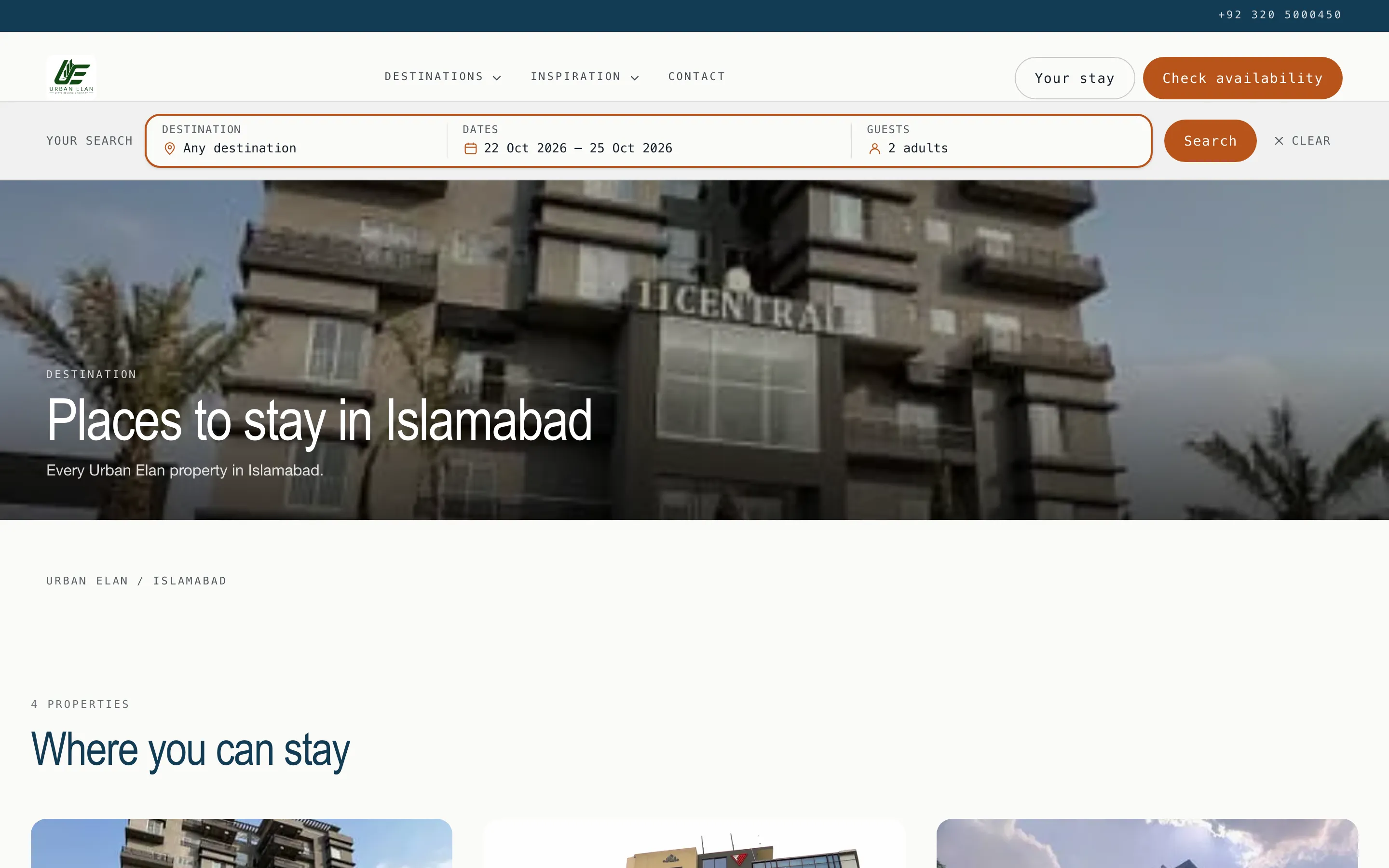
The in-stay guest app
Everything a guest asks at 11pm, answered by an app they never install.
The guest app opens in the browser: no download, no app store. Inside are the reservation, the check-in wizard with an ID upload, door opening, Wi-Fi details, house information from A to Z, and messages straight into your team's shared inbox.
One app per workspace, carrying your brand. Guests sign in with their reference code plus one confirming detail. No account, no password, nothing to forget after checkout.
The guest app in full →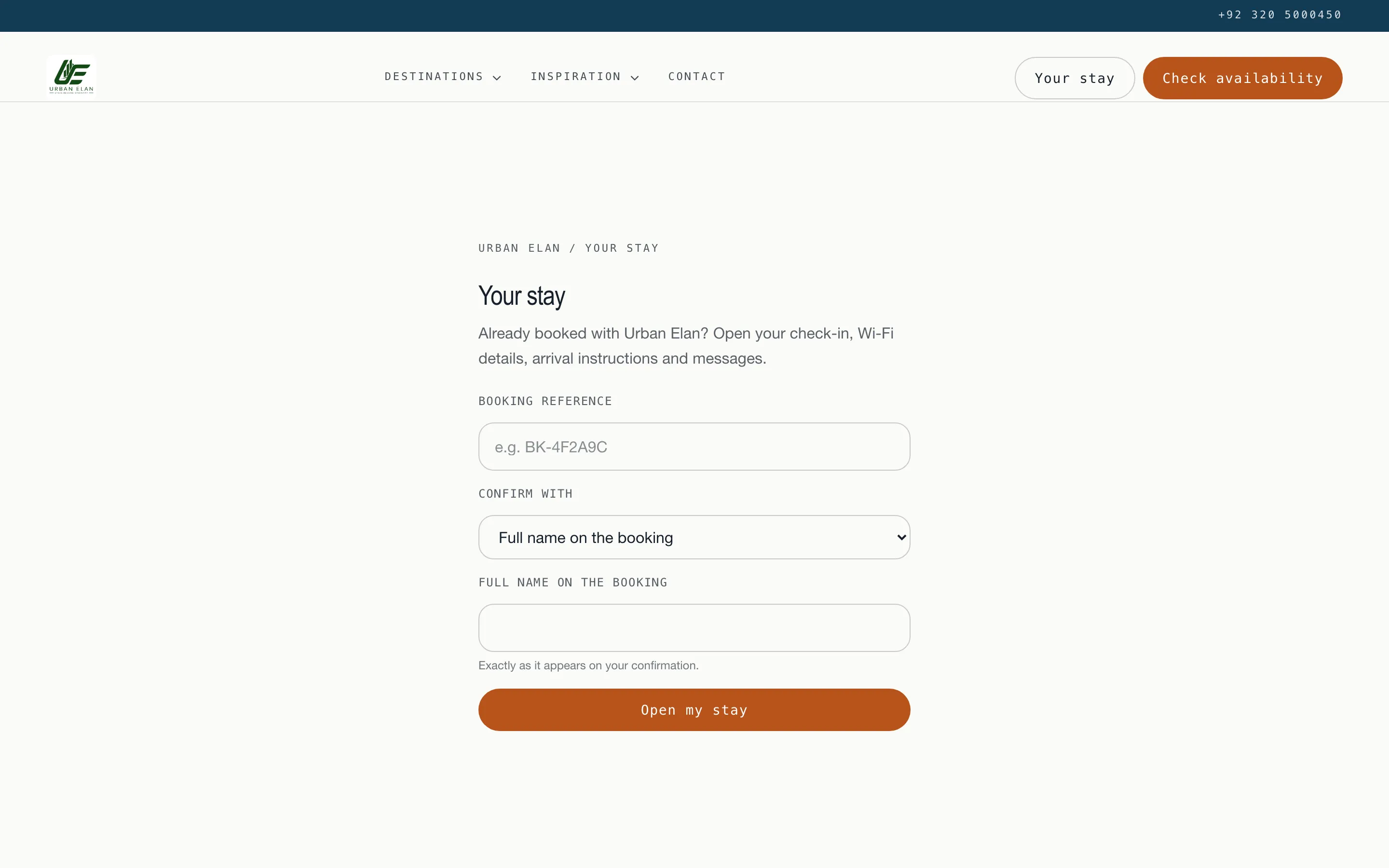
What direct actually costs
The whole fee schedule fits on three cards.
OTA commission: none
No OTA sits in a direct booking, so no OTA takes a cut off the top. The stay is yours end to end.
Direct-site reservation: 2%
A reservation taken through the booking site carries a flat 2% Stay n Host fee. That is the add-on's published rate, and there is nothing under it.
Bank transfer or cash: 0%
A stay you close in chat and confirm by verified bank transfer or cash carries no platform fee at all. The cheapest path is the one your guests already use.
Fees as published on our pricing page. Card payment is not available yet and is listed on the roadmap; the booking site tells guests the same thing.
"The best commission rate in this industry is the one you stop paying."
FAQ
Direct booking questions
Does a direct booking really carry no commission?
There is no OTA in the middle, so there is no OTA commission. A reservation taken through the direct-booking site carries a 2% Stay n Host fee, which is the add-on’s published rate. A stay you close in chat and confirm by bank transfer or cash carries no platform fee at all.
How does a guest pay on the site today?
By bank transfer or cash, with a proof upload. The site quotes the stay, sends your bank details on your letterhead, and someone on your team verifies the proof before the unit is confirmed. Card payment is not available yet, and the site says so to the guest rather than implying otherwise. It is on the roadmap under "Coming soon".
Do I need a developer to build the booking site?
No. The builder lives inside the product, on tabs: General, Design, Properties, Pages, Collections, Rooms, Promo codes, Translations and Metrics. Pick a layout template and a palette, choose which properties sell, and assemble custom pages from blocks. Publishing makes the site public and crawlable; drafts stay invisible until you publish, and a signed-in operator can preview a draft.
Can I keep the website I already have?
Yes, two ways. Embed the availability widget into your existing brand site so the search and the checkout are ours while the site stays yours, or point your own domain at the Stay n Host site and let it serve everything.
How does a WhatsApp negotiation become a real booking?
Through a no-login quote link. You agree on the stay in chat, send the link, and the guest sees the dates, the price and your payment details, then uploads proof of a bank transfer your team verifies. No account, no password, no app to install. The booking that results is a first-class booking: same calendar, same oversell guard, same ledger entry as anything from Airbnb.
Is the guest app a native mobile app?
No, and deliberately so. It is a web app that opens in the browser with nothing to download, which matters when your guest landed an hour ago on airport Wi-Fi. It covers the reservation, the check-in wizard with an ID upload, door opening, Wi-Fi details, house information A to Z, and messages into your shared inbox. There is one guest app per workspace, carrying your brand.
Can the guest app really open the door?
It shows the code, and only when payment and ID are both verified, re-checked at the second of sending. That dual gate governs every door code in Stay n Host and it is per reservation, so one apartment clearing its blockers never releases another apartment’s code.
Try the whole platform free for 14 days
Full Growth-plan access. No credit card. Your data stays yours.
Start free trial