Payments and treasury
Most of the world does not pay by card. The software should notice.
A quote link with your bank details. A guest who uploads the transfer receipt. A person on your team who looks at it and decides. Only then does money exist, the unit confirm, and the ledger move. Card payment is not available yet, and the product says so rather than implying otherwise.
The rails
Three ways in, one set of books.
Configure the payment channels your business actually uses: the bank accounts you publish on quotes and the cash boxes your team collects into. Each channel knows which account it settles to, and a booking's cash lands in the bank the property settles through.
The guest sees the ones that apply to them on a no-login quote link carrying your letterhead and an itemized price. Edit the quote and the old link dies immediately, so a stale price can never be paid.
Quote links and the booking site →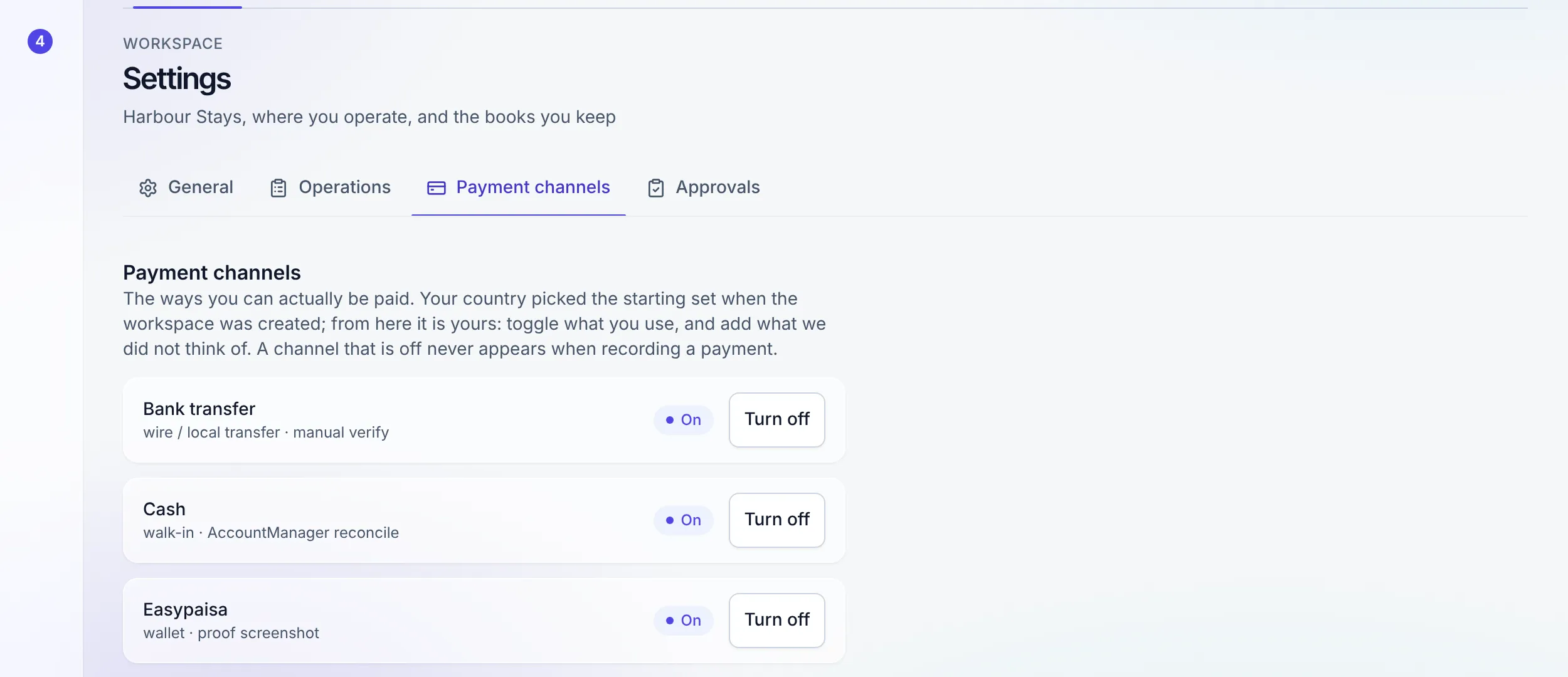
The decision
A screenshot is evidence, not a payment.
When a guest uploads proof, nothing is confirmed. What exists is a decision waiting for a person with the permission to make it. Verify it and the money posts to the ledger, the hold on the unit becomes a confirmation, and the door-code gate advances one of its two conditions. Reject it and the reason is recorded.
The guest never asserts an amount. They provide evidence against the quote you issued, and your side of the desk decides what it is worth. That asymmetry is deliberate: it is what keeps a hopeful screenshot from becoming revenue.
The other condition on the door →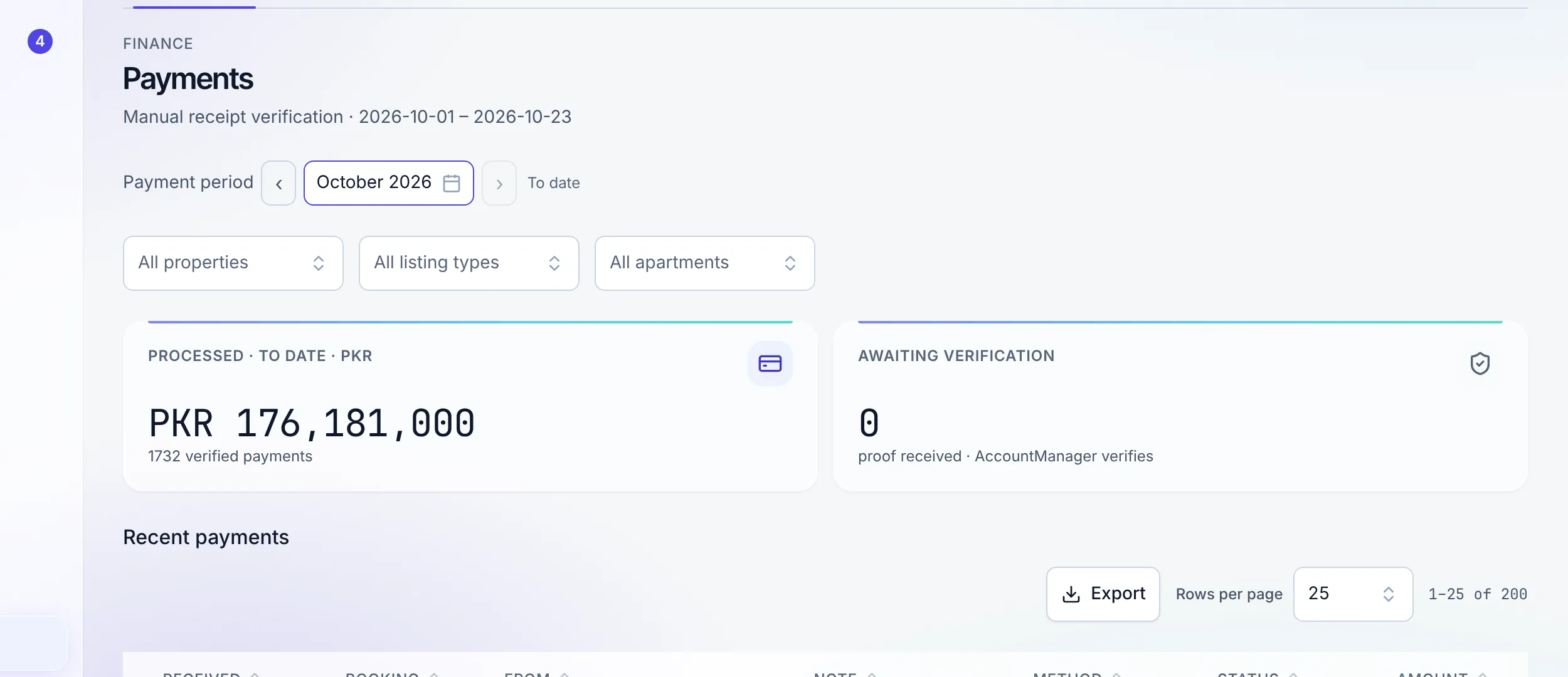
Treasury
How much you hold, and where.
Every verified payment lands in a named account: a bank account, a cash box, a mobile wallet. The treasury view totals them, so the question "what is actually in the business right now" has an answer that came out of the ledger rather than out of somebody adding up screenshots.
The cash report reconciles what was collected against what was banked, which is the check that matters most in an operation where a coordinator takes notes at the door. A booking's cash lands in the bank the property settles through, not in one pooled account you have to unpick later.
A workspace can hold money in more than one currency and convert between its own stores, which is what an operator earning in USD from a channel and spending in local currency actually needs. Money arriving from a channel is booked as a receivable and cleared when the real payout lands, so a channel's promise and a channel's payment are never the same row.
Read the treasury guide →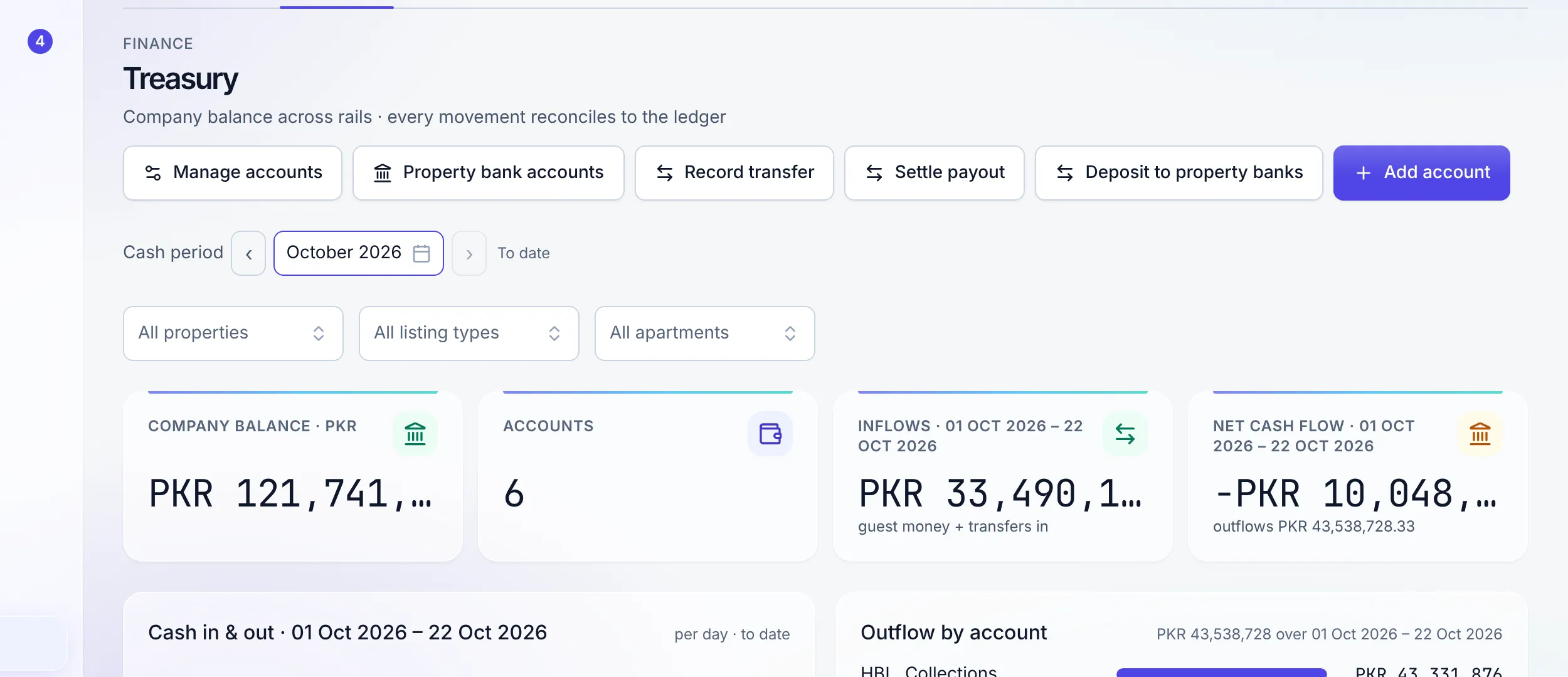
Money in, in detail
The parts around the payment.
Fees and taxes
Cleaning fees, city taxes, and per-guest charges configured per property or per listing, applied to the quote, and carried into the ledger with the right accounts on both sides.
Setting up taxes →Extra charges mid-stay
A late checkout, a damaged item, an extra guest. Raise the charge on the stay, collect it on the same rails, and let it post like everything else.
Refunds, with the receipt
Refund a cancelled stay, a departed one, or one paid in full through a goodwill allowance, in exact amounts, with the transfer proof attached to the refund. The refund posts against the original payment.
Payment history and invoices
Every stay keeps a dated payment history of its nights, extras, charges, payments and refunds, with the balance at the bottom and every row clickable. Guest invoices are numbered without gaps, print on your letterhead, and get a credit note when they change.
Upsells that are counted
Keep a catalogue of extras, let guests ask for them in the guest app, confirm the ones you can do, and see upsell revenue on its own line.
Channel money, kept straight
Choose per channel who collects the payment. A channel-collected booking stays money owed to you until the payout lands, and the channel's fees are booked as bills, so each booking shows what you actually earned.
Cash approval, your call
Decide on Settings, Approvals whether guest cash needs an approval before it counts. Either way, the person who took it and the person who approved it are both on the record.
Requests, not chasing
Send a payment request against a booking and the guest gets a link that already knows what it is for and how much is outstanding.
The payout sweep
Before anything moves, one screen shows which money is going to which bank. Money leaves on a decision you can read, not on a batch job you have to trust.
Numbered journal entries
Every posting carries a gapless journal number allocated by the database, running per book of account and resetting each fiscal year. It is the number your accountant will ask for.
"Nothing becomes revenue because a guest said it did."
Card payment is not available yet and sits on the roadmap. When it ships it will run through your own processor account, that processor's published fees will apply, and card details will never touch Stay n Host. A reservation taken through the direct-booking site carries a flat 2% Stay n Host fee; a stay closed in chat and confirmed by bank transfer or cash carries none. See the pricing page.
FAQ
Payment questions
Do I have to take cards?
No. Bank transfer and cash are the rails, not a fallback bolted on for awkward markets. A quote link carries your own bank details, the guest uploads proof of payment, and a member of your team verifies it. Card payment is not available yet and is listed on the roadmap.
Who decides that a payment is real?
A person, always. A proof upload does not confirm anything by itself; it creates a decision for a human with the permission to make it. Verifying posts the money to the ledger and can release the unit; rejecting records the reason. Both write an audit row.
What stops a guest from claiming a payment they did not make?
The guest never states an amount. They upload evidence against a quote whose numbers you set, and your side of the desk decides what that evidence is worth. The split between what was claimed and what was accepted is an operator-side decision by design.
Where does the money sit before it reaches me?
In whichever bank account or cash box you recorded it against. Accounts are configured per workspace, and the treasury view shows the balance of each one, so "we hold this much, here" is a number you can read rather than a guess.
Can I charge for extras during a stay?
Yes. Extra charges, fees, and taxes are configured per property or per listing, applied to a booking, and collected through the same rails and the same verification. Guests can also ask for extras you offer from the guest app; you confirm them and they land on the stay’s payment history.
Which stays can be refunded?
A cancelled stay, a stay that has already departed, and a stay paid in full, through a goodwill allowance. Amounts are exact to the cent, the bank-transfer proof attaches to the refund, and an overpayment left stranded on a stay is explained rather than hidden. The refund is recorded money movement made by a person, not a card reversal.
What does a direct booking cost me?
A reservation taken through your direct-booking site carries a flat 2% Stay n Host fee. A stay you close in chat and confirm by bank transfer or cash carries none. All of it is on the pricing page rather than in a footnote.
Try the whole platform free for 14 days
Full Growth-plan access. No credit card. Your data stays yours.
Start free trial